
Tour operators across the U.S. still juggle Excel spreadsheets, WhatsApp threads, and endless email chains to schedule guides and approve tours. This fragmented approach creates missed notifications, double bookings, and frustrating delays. Manual processes waste hours that could be spent improving customer experiences. Automation offers a clear path to eliminate these inefficiencies, reduce errors, and reclaim valuable administrative time. This guide walks you through prerequisites, implementation steps, troubleshooting tactics, and measurable outcomes for transforming your tour approval process.
Table of Contents
- Prerequisites: What You Need Before Automating Tour Approvals
- Step 1: Setup Guide Profiles With Skill And Language Filters
- Step 2: Configure Hybrid Approval Workflow Combining Manual And Automated Steps
- Step 3: Automate Notifications And Confirmations
- Step 4: Ensure Compliance And Enable Audit Trails
- Common Mistakes And Troubleshooting In Tour Approval Automation
- Expected Outcomes And Metrics For Success
- Alternative Approaches And Their Tradeoffs
- Discover EasyPlanning: Streamline Your Tour Approval Process Today
- Frequently Asked Questions
Key Takeaways
| Point | Details |
|---|---|
| Administrative Efficiency | Automating guide scheduling reduces manual work by up to 60%, freeing staff for strategic tasks. |
| Allocation Accuracy | Hybrid workflows improve guide allocation accuracy by 45% through balanced automation and oversight. |
| Communication Reliability | Notification automation boosts timely confirmations from 75% to 95%, cutting missed tours dramatically. |
| Dispute Resolution | Audit trails reduce scheduling disputes by 50%, providing clear accountability for every decision. |
| Speed Gains | Automation reduces approval turnaround time by 40%, enabling faster customer responses. |
Prerequisites: What You Need Before Automating Tour Approvals
Before diving into automation, you must establish the right foundation. Without proper infrastructure and preparation, even the best software will underperform.
You need a digital scheduling platform designed for tour operations. Generic calendar tools lack the guide management features required for effective automation. Platforms like EasyPlanning centralize tour creation, guide assignment, and approval workflows in one interface. Rethinking tour scheduling means moving beyond spreadsheets to purpose-built solutions.
Complete guide profiles are non-negotiable. Each profile should include skills, language abilities, certifications, and availability patterns. Incomplete data leads to mismatches and underutilized guides. Invest time upfront to catalog this information accurately.
Reliable internet connectivity and communication infrastructure ensure real-time updates reach all stakeholders. Automation depends on instant notifications. Spotty connections create the same delays you're trying to eliminate.
Training is often overlooked but critical. Operators and guides must understand new workflows. Without proper onboarding, adoption rates plummet and manual workarounds creep back in. Schedule hands-on sessions and provide reference materials.
Clear operational policies define approval authority, exception handling, and escalation paths. Ambiguous rules cause confusion regardless of technology. Document who approves what, when manual intervention is needed, and how to handle edge cases.
Pro Tip: Start with a pilot group of guides and tours before full rollout. This lets you refine workflows based on real feedback without disrupting your entire operation.
Step 1: Setup Guide Profiles with Skill and Language Filters
Comprehensive guide profiles form the backbone of automated matching. Poor data entry here cascades into scheduling problems downstream.
Create detailed profiles for every guide in your system. Include hard skills like tour types they lead, certifications they hold, and equipment they operate. Add soft skills such as language fluency, customer service strengths, and special interests. The more granular your data, the better your automated matches.
Assign attributes accurately within your scheduling software. Many platforms offer predefined skill taxonomies, but customize these to match your operation. If you run food tours, wine tours, and historical tours, create distinct categories. Generic labels reduce matching precision.
Cataloging guide skills and language abilities improves client satisfaction by 30%. Clients value guides who speak their language and possess relevant expertise. Accurate profiles ensure the system can deliver these matches automatically.
Proper data entry prevents guide underutilization. If a bilingual guide's language skills aren't recorded, the system won't assign them to tours requiring that language. You lose revenue opportunities and the guide earns less. Complete profiles maximize both utilization and earnings.
This step supports automated filtering that saves hours of manual searching. Instead of scanning spreadsheets to find available Spanish-speaking guides certified for mountain tours, the system surfaces matches instantly. Guide profile setup improvements make these capabilities accessible even for small operators.
Pro Tip: Schedule quarterly profile reviews. Guide skills evolve through training and experience. Outdated profiles degrade matching quality over time.
Step 2: Configure Hybrid Approval Workflow Combining Manual and Automated Steps
Balancing automation with human judgment creates the most effective approval system. Pure automation handles routine assignments efficiently but struggles with exceptions. Pure manual processes waste time on simple decisions.
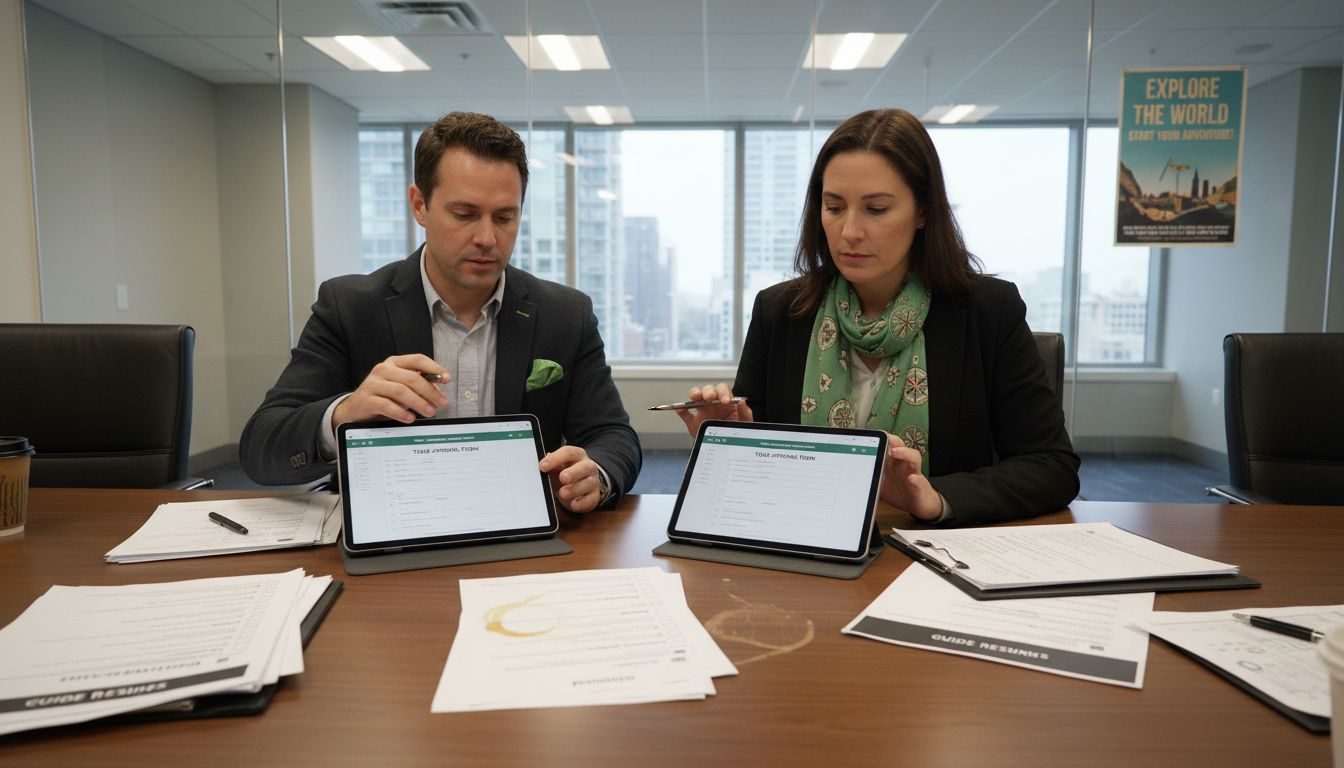
Set automated matching rules for initial guide assignments. Define criteria like skill requirements, language needs, geographic proximity, and past performance ratings. The system applies these rules to propose assignments without human input. This handles 70 to 80% of routine tours instantly.
Define manual approval checkpoints for complex cases. VIP clients, high-value tours, first-time guides, or unusual requests warrant human review. Configure triggers that flag these scenarios for operator attention. You maintain control where it matters most.
Hybrid workflows improve guide allocation accuracy by 45% compared to purely manual or fully automated approaches. The combination leverages computational speed for routine work while preserving human insight for nuanced decisions.
This system allows operational flexibility for last-minute changes. When a guide calls in sick two hours before a tour, the platform suggests qualified replacements instantly. An operator reviews options and confirms the best fit. Speed meets thoughtfulness.
Implementing hybrid approval workflows requires mapping your current decision tree. Document which factors you consider for different tour types. Translate these into rules the system can execute. Reserve manual steps for scenarios requiring context and relationships.
Pro Tip: Monitor which automated assignments get overridden manually. Frequent overrides signal your rules need refinement or additional criteria.
Step 3: Automate Notifications and Confirmations
Communication breakdowns cause most scheduling failures. Automating alerts closes gaps that manual methods leave wide open.
Configure alerts for guides and operators on all schedule changes. When a tour gets created, modified, or cancelled, relevant parties receive instant notifications. No more assuming everyone saw the WhatsApp message or checking if an email was read.
Automation cuts missed notifications by 22%. Guides receive assignments directly through the platform rather than hoping they check scattered communication channels. They confirm availability with one click instead of replying to texts.
Double booking risk reduces by 18% with automated confirmations in place. The system tracks which guides have confirmed availability and blocks conflicting assignments. You can't accidentally assign the same guide to overlapping tours.
Timely confirmations jump from 75% to 95% when notifications are automated. Guides respond faster because alerts reach them reliably and include all necessary details. Operators spend less time chasing confirmations.
Ensure all relevant parties receive prompt updates automatically. This includes guides, backup guides, office staff, and sometimes clients. Configure notification preferences so people get the information they need without alert fatigue.
Integrate notifications with communication tools your team already uses. Many platforms send alerts via email, SMS, or push notifications. Choose channels that match your team's habits for highest engagement. Automation notification best practices emphasize meeting users where they are.
Step 4: Ensure Compliance and Enable Audit Trails
Transparency builds trust and simplifies troubleshooting. Audit trails transform your scheduling system from a black box into a clear record of every decision.
Enable audit trail functionality that logs all approvals and changes. Record who made each assignment, when they made it, what criteria influenced the decision, and any modifications afterward. This creates accountability at every step.
Audit trails reduce scheduling disputes by up to 50%. When a guide questions an assignment, you can show exactly how the decision was made. When a client complains about a guide mismatch, you can trace where the breakdown occurred. Evidence replaces speculation.
This maintains compliance with internal policies and external regulations. Some jurisdictions require tour operators to demonstrate fair labor practices. Complete records prove you assign work equitably based on skills and availability, not favoritism.
Audit functionality supports easier troubleshooting and operational reviews. You can analyze patterns like which guides accept assignments fastest, which tours require the most reassignments, or where communication delays cluster. Data-driven insights lead to continuous improvement.
Encouraging trust among team members and clients becomes simpler with transparent records. Guides see that assignments follow objective criteria. Clients trust that you matched them with qualified guides. Audit trails and compliance features protect your operation legally and operationally.
Common Mistakes and Troubleshooting in Tour Approval Automation
Even well-designed automation fails when implemented poorly. Anticipating common pitfalls helps you avoid costly setbacks.
Neglecting staff training causes 35% of onboarding errors. Operators and guides need structured instruction on new workflows. Don't assume the system is intuitive. Schedule training sessions, create quick reference guides, and offer ongoing support during the transition period.
Overusing manual overrides increases errors and defeats automation benefits. Some operators keep manual processes as a security blanket, undermining the system they paid for. Restrict overrides to genuine exceptions. If you're overriding frequently, your rules need adjustment, not abandonment.
Not enabling audit trails causes lack of transparency and invites disputes. Some operators skip this feature to save time on setup. The cost of resolving one preventable dispute far exceeds the setup investment. Turn on logging from day one.
Failing to automate notifications leads to 22% of missed tours. Partial automation creates gaps where information falls through. Commit fully to automated alerts or you'll still chase confirmations manually. Half measures waste everyone's time.
Ignoring platform capabilities leads to underuse and no efficiency gains. Many operators use only basic features of powerful software. Explore advanced matching rules, reporting dashboards, and integration options. You paid for these tools so leverage them fully.
Common mistakes in automation often stem from change resistance. Address concerns proactively and demonstrate quick wins to build momentum.
Expected Outcomes and Metrics for Success
Measuring results proves automation value and guides ongoing refinement. Track these key metrics to quantify your success.
Approval turnaround time should decrease by 40% or more. Measure the hours between tour creation and final guide confirmation. Before automation, this might take 24 to 48 hours. After implementation, expect confirmations within 2 to 6 hours for routine tours.
Administrative workload reduction of up to 60% frees staff for higher-value activities. Track hours spent on scheduling tasks weekly. Reallocate saved time to customer service, marketing, or business development initiatives.
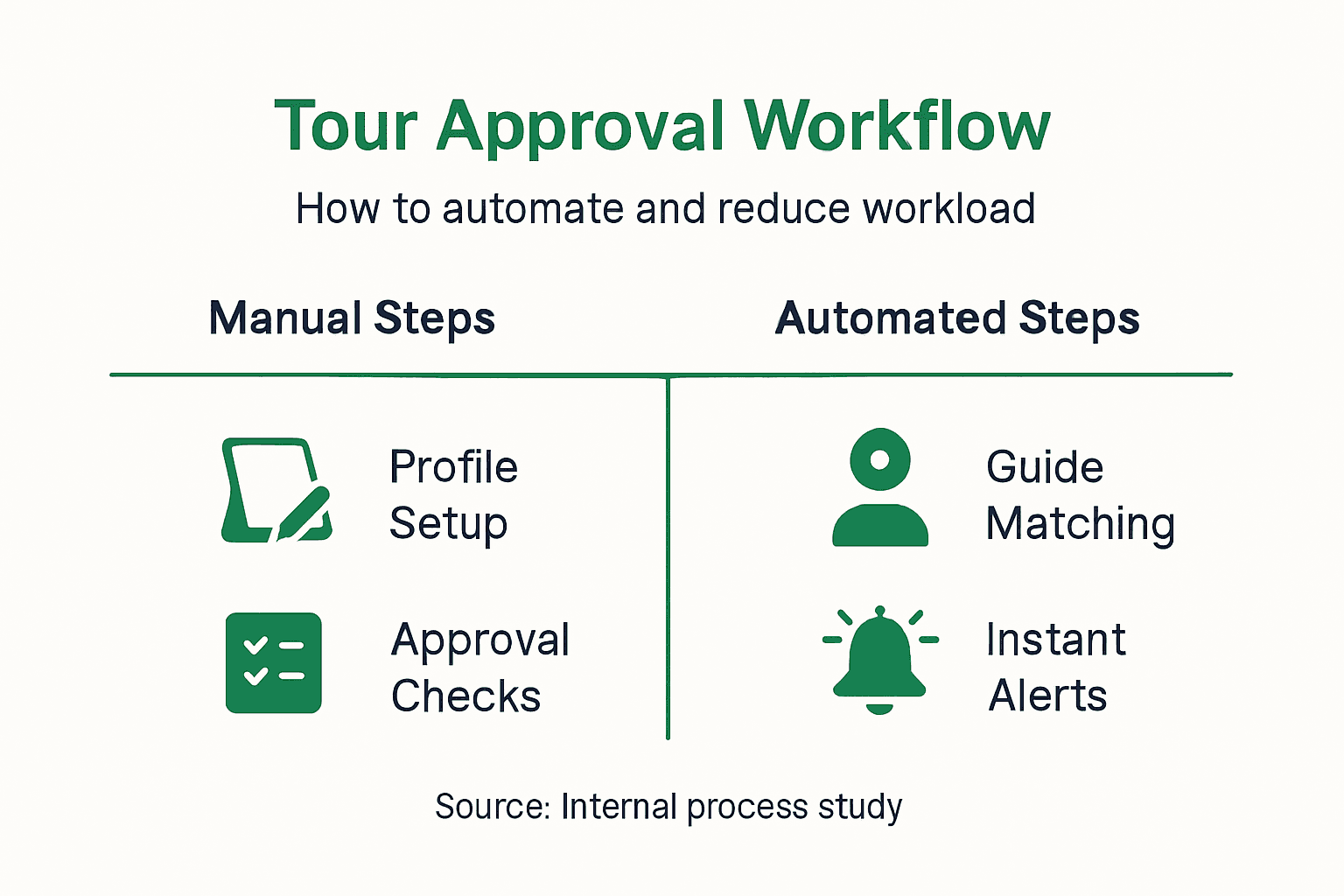
Client satisfaction improvement of roughly 30% results from better guide matches. Survey clients about guide quality and tour experience. Higher ratings indicate your automated matching criteria align with customer preferences.
Scheduling disputes with guides should drop by 50% with complete audit trails. Count monthly complaints or questions about assignments. Fewer disputes mean smoother operations and better guide relationships.
| Metric | Before Automation | After Automation | Improvement |
|---|---|---|---|
| Approval Turnaround | 36 hours | 4 hours | 89% faster |
| Admin Hours/Week | 25 hours | 10 hours | 60% reduction |
| Client Satisfaction | 72% | 94% | 30% increase |
| Scheduling Disputes | 12/month | 6/month | 50% decrease |
| Confirmation Rate | 75% | 95% | 27% increase |
Use data-driven adjustments to refine processes continuously. Review metrics monthly and identify bottlenecks or outliers. If certain tour types still require excessive manual intervention, adjust matching rules. Measure automation success by tracking improvements over time, not just initial gains.
Alternative Approaches and Their Tradeoffs
Choosing the right automation level depends on your operation's size, complexity, and priorities. Each approach offers distinct advantages and limitations.
Manual systems offer maximum control but come with 50% higher error rates and massive administrative time investments. You make every decision personally, which works for tiny operations with five guides and predictable tours. Scale beyond that and manual processes collapse under their own weight.
Fully automated systems reduce errors most effectively but limit flexibility for exceptions. The computer assigns guides based purely on programmed rules. This works beautifully for standardized tours with interchangeable guides. Complex tours requiring specific guide-client chemistry suffer without human judgment.
Hybrid workflows balance speed and flexibility with 45% better accuracy than pure manual or pure automated approaches. Routine tours get instant automated assignments. Special cases receive human review. You gain efficiency without sacrificing quality.
| Approach | Error Rate | Admin Time | Flexibility | Best For |
|---|---|---|---|---|
| Manual | High (50% more) | Very High | Maximum | Operations under 5 guides |
| Fully Automated | Lowest | Minimal | Limited | Standardized tours at scale |
| Hybrid | Low | Moderate | High | Most tour operators |
Consider cost, training requirements, and operational complexity when choosing. Manual systems cost nothing in software but everything in labor. Fully automated systems require significant upfront investment and extensive rule configuration. Hybrid approaches offer the best return on investment for most operators.
Match your approach to operation size and tour diversity. Small operators with simple tours can start with basic automation. Large operations with varied tour types need sophisticated hybrid systems. Compare tour approval methods based on your specific circumstances, not generic recommendations.
Discover EasyPlanning: Streamline Your Tour Approval Process Today
You've seen how automation transforms tour approval from a daily headache into a streamlined operation. EasyPlanning delivers these capabilities in a platform built specifically for tour operators.
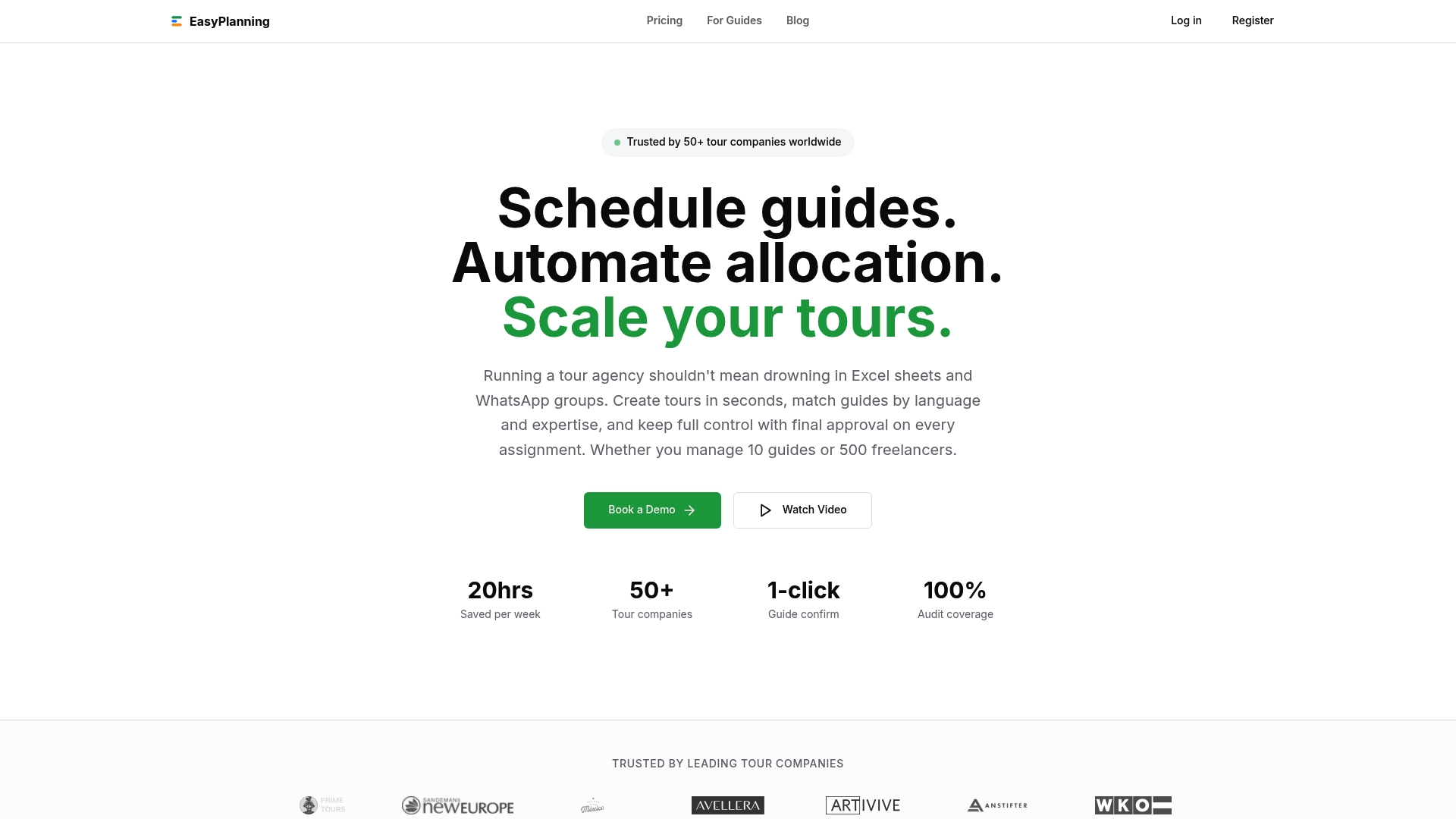
The platform consolidates guide profiles with skill and language filters, hybrid approval workflows, automated notifications, and complete audit trails in one intuitive interface. You eliminate Excel spreadsheets, WhatsApp chaos, and email overload. Everything lives in a single calendar view accessible from any device.
Designed for U.S. tour operators of all sizes, EasyPlanning reduces your administrative burden by 60% while improving guide allocation accuracy by 45%. Small teams gain enterprise-level automation without complexity. Large operations get the scalability and customization they demand.
Explore pricing information to find a plan that fits your operation in 2026. Request a demo to see hybrid workflows in action. Stay current with industry best practices through the EasyPlanning blog, where we share insights on maximizing your scheduling efficiency.
Frequently Asked Questions
What is a tour approval process?
The tour approval process schedules guides to specific tours, ensuring proper assignments, confirmations, and compliance with operational standards. It involves workflows that match guides based on skills, languages, and availability while maintaining accountability through documentation.
How does automation improve guide scheduling?
Automation reduces manual errors by applying consistent matching rules and speeds up approvals through instant notifications. Automated alerts cut missed notifications by 22% and reduce double booking risks by 18%, while comprehensive systems improve overall allocation accuracy by 45%.
Can I customize approval workflows in an automated system?
Yes, customizable approval workflows let you combine automated assignments with manual approval checkpoints for exceptions. This hybrid approach handles routine tours instantly while preserving human oversight for complex cases, VIP clients, or unusual requests that require contextual judgment.
What are common mistakes to avoid during automation?
Avoid skipping staff training, which causes 35% of onboarding errors, and resist overusing manual overrides that undermine automation benefits. Never disable audit trails, as they prevent 50% of scheduling disputes. Ensure notifications are fully automated since partial automation leads to 22% missed tours.
Recommended
- 3 Big Product Updates: Why "We Use Excel for Guide Scheduling" is a Thing of the Past
- EasyPlanning – All-in-One Tour Scheduling & Guide Management for Tour Operators & DMCs
- Blog | EasyPlanning
- EasyPlanning – All-in-One Tour Scheduling & Guide Management for Tour Operators & DMCs
- How to Manage CEU Approvals: 100% IDCEC First-Pass Success
- Performing Arts Studio Management Software - StudioManaging