
Managing a busy tour operation often means long hours spent juggling guides, schedules, and last-minute changes instead of focusing on quality experiences for clients. With travel expectations rising across markets from France to Canada, the need for an organized, automated solution is stronger than ever. By building strong operator and guide profiles, defining clear rules, and leveraging a smart booking system, you set the foundation for efficient guide assignment and minimized administrative workload that keeps both your team and travelers happy.
Table of Contents
- Step 1: Set Up Tour Operators And Guide Profiles
- Step 2: Configure Guide Assignment And Matching Rules
- Step 3: Create And Schedule Tours Efficiently
- Step 4: Verify Assignments And Manage Changes
Quick Summary
| Key Message | Explanation |
|---|---|
| 1. Establish Accurate Profiles | Create precise operator and guide profiles to ensure all relevant skills and details are accessible for scheduling and assignments. |
| 2. Define Matching Criteria | Identify key factors for guide matching, such as language, location, and certification, to enhance scheduling efficiency. |
| 3. Automate Tour Scheduling | Use the established matching rules to create and manage tours, minimizing reliance on spreadsheets and manual processes. |
| 4. Regularly Verify Assignments | Implement a routine for checking assignment details and guide notifications to prevent errors and manage changes efficiently. |
| 5. Track Changes Promptly | Keep accurate records of any changes and ensure timely notifications to all affected parties to maintain clarity and communication. |
Step 1: Set Up Tour Operators and Guide Profiles
You are about to build the foundation of your scheduling system. This step involves creating operator and guide profiles that will streamline how you assign tours, manage qualifications, and communicate with your team. Think of this as setting up a digital database where every person's skills, languages, and certifications live in one place.
Start by establishing your tour operator profile. This is where you enter your company's core information: business name, time zone, operating region, and contact details. Your profile serves as the central hub that all guides and tour assignments will connect to. Make sure your information is accurate because this data flows through every booking confirmation and notification your team receives.
Create detailed guide profiles next. For each guide, you'll need to capture essential details:
- Full name and contact information
- Languages spoken and proficiency levels
- Certifications and qualifications
- Areas of expertise (historical tours, adventure, cultural experiences, etc.)
- Availability patterns and preferred working regions
- Emergency contact information
When building guide profiles, align your qualifications with recognized standards. Many tour operators reference professional guide certification standards when establishing baseline requirements for their guides. This ensures consistency and professionalism across your team.
Include skills and language tags that will help the system match guides to tours automatically. A guide fluent in Spanish and experienced with mountain tours should have both tags clearly marked. This makes it easy to filter and assign guides based on tour requirements.
Your guide profiles are the intelligence behind smart scheduling. The more detailed and accurate these profiles are, the better your system can match the right guide to the right tour.
Consider how you'll track guide qualifications and renewals. Some guides may have seasonal certifications or need regular training updates. Build this into your profile system so you know at a glance who is qualified for what.
Once profiles are complete, test the system with a small group of guides before rolling out company-wide. This helps you catch any missing information or workflow issues early.
Pro tip: Start with your most experienced guides when setting up profiles—their complete skill sets will serve as templates for documenting newer team members accurately and consistently.
Step 2: Configure Guide Assignment and Matching Rules
Now you'll set up the rules that tell your system how to automatically match guides to tours. This is where scheduling becomes smart. Instead of manually reviewing guide profiles and tour requirements every time, you'll create logic-based rules that handle the heavy lifting for you.

Start by defining your matching criteria. Think about what makes a guide right for a specific tour. Language requirements are obvious, but consider location proximity as well. A guide based in downtown should probably lead tours in that area rather than driving an hour each direction. You might also factor in guide expertise. A mountain biking tour needs someone certified in that discipline, not just someone who speaks the right language.
Set availability constraints next. Your system should know which guides are free on specific dates and times. Some guides might work only weekends, while others have seasonal availability. Input these patterns so the system never assigns someone who isn't available. You'll also want to establish maximum tour limits per guide per week to prevent burnout.
Here are the core rules you should configure:
Here's how various guide assignment criteria impact scheduling efficiency:
| Assignment Criterion | Scheduling Impact | Example Business Benefit |
|---|---|---|
| Language Match | Ensures client communication | Higher ratings from diverse clients |
| Geographic Proximity | Reduces travel time for guides | Lower transportation costs |
| Certification Alignment | Matches skills to tour needs | Enhanced safety and reputation |
| Current Availability | Prevents double-booking | Fewer last-minute cancellations |
| Group Size Capacity | Fits guide to tour size | Maximizes guest satisfaction |
- Language matching between guide skills and tour language requirements
- Geographic location and travel distance preferences
- Certification and expertise alignment with tour type
- Availability windows and blackout dates
- Maximum tours per week or month
- Guide group size capacity
When designing these rules, remember that effective guide assignments depend on clear availability and skill data. Your database needs accurate information to make smart matches. If a guide's availability is outdated or their certifications are missing, the system will struggle.
Smart matching rules reduce manual work by up to 80 percent, but only if your guide profiles are complete and current.
Test your rules with real tour scenarios. Create a test booking and watch how the system recommends guides. Does it suggest the right people? Are there obvious gaps in your criteria? Adjust as needed before you go live.
Consider adding override options for edge cases. Sometimes you know a particular guide should lead a specific tour, even if they don't perfectly match the standard rules. Your system should allow manual assignments while still defaulting to automated matches for routine bookings.
Pro tip: Start with your 3-4 most important matching criteria and test them thoroughly before adding more—too many rules can make the system inflexible and defeat the purpose of automation.
Step 3: Create and Schedule Tours Efficiently
This step is where your planning becomes action. You'll create tour listings and assign them to your calendar using the matching rules you just configured. The goal is to move away from juggling spreadsheets and emails, replacing them with a centralized system that handles the logistics automatically.
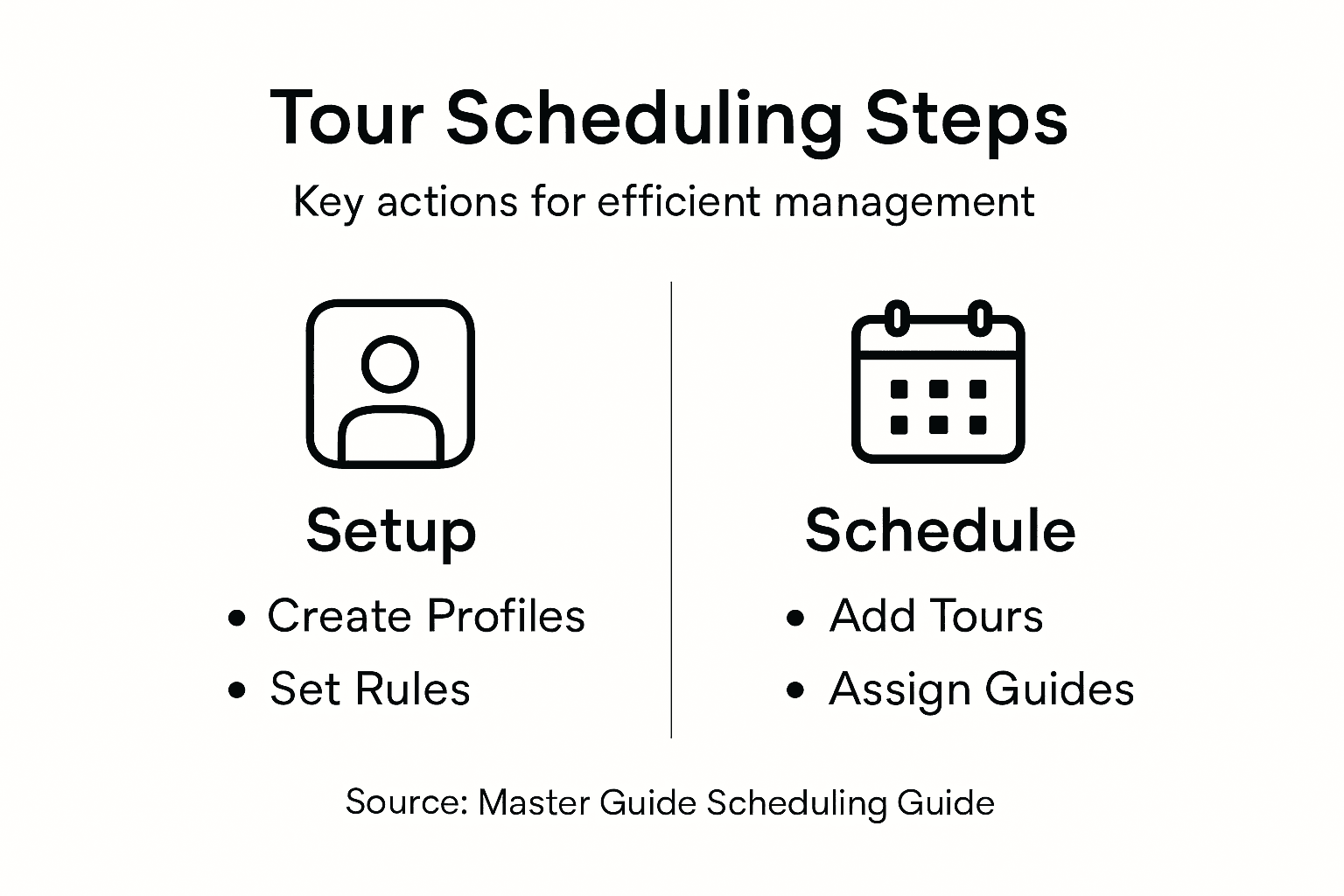
Begin by entering tour details into your system. Each tour needs basic information: destination, start date and time, duration, group size limit, language requirements, and any special certifications needed. Be as specific as possible. A "City Walking Tour" is vague, but "Downtown Historical Walking Tour, 3 hours, English speaking, maximum 12 people" gives your matching system clear parameters.
Set your scheduling windows next. Decide how far in advance tours can be booked. Some operators schedule weeks ahead, others months in advance. Your system should know when tours are available, when they're closed for holidays, and which days of the week you typically operate. Efficient tour scheduling involves setting specific time slots and managing group capacity to prevent overbooking and ensure smooth operations.
Once you've created a tour, let the system suggest guides automatically. Based on your matching rules, it will recommend guides who have the right language skills, certifications, and availability. Review the suggestion. If it looks good, approve it with one click. If not, you can manually override and choose a different guide.
Consider these efficiency steps:
- Create tour templates for recurring tours (saves time on data entry)
- Set default group size limits based on tour type
- Use time blocking to establish consistent tour windows
- Build in buffer time between tours for guide transitions
- Track seasonal demand patterns to plan tours strategically
A tour without an assigned guide is just a calendar entry. Your system should move guides and tours together automatically, not separately.
As you schedule tours, pay attention to guide workload. Your system should prevent overloading any single guide. If someone is booked every day for a month, that's a problem. The system should flag this or prevent the assignment altogether.
Test your tour creation process with a few real bookings. Do your guides receive notifications? Can they see their assigned tours? Does the calendar look organized? Make adjustments before you handle high volume.
Pro tip: Create 5 to 10 tours in your test environment first and verify the full workflow—from creation through guide assignment to notification—before inviting your entire team to use the system.
Step 4: Verify Assignments and Manage Changes
Before tours go live, you need to verify that everything is correct. This step ensures guides know what they're leading, clients get the right information, and nothing falls through the cracks. Your system should make verification quick and obvious.
Start by reviewing all pending assignments. Look at your calendar and check each tour that's scheduled in the coming days or weeks. Verify the guide name, tour details, time, location, and group size all match. If something looks off, flag it immediately. Your system should highlight any incomplete or questionable assignments so nothing gets missed.
Confirm guide notifications have been sent. Once a guide is assigned to a tour, they should receive an instant notification. Check that your guides have acknowledged their assignments or at least seen them. Some guides will confirm immediately, while others might need a reminder. Your system should track who has viewed their assignments and who hasn't.
Effective booking management systems allow quick verification of assignment details and seamless handling of modifications without disrupting your schedule. This means you can catch problems early before they become costly mistakes.
When changes are needed, act fast. A guide might get sick, a tour might need to be rescheduled, or a client might request a different time. Your system should make it easy to reassign guides, adjust dates, or notify all affected parties instantly.
Here's what you should verify regularly:
- All tours have assigned guides with confirmed availability
- Guide contact information is current and accessible
- Tour details match what clients booked
- Times, locations, and group sizes are accurate
- Special requests or certifications are documented
- Cancellations and changes are logged for audit purposes
A single verification step prevents ten problems down the road. Spend five minutes checking now, save hours of firefighting later.
Set up a routine verification schedule. Check pending tours the day before they happen. This gives you time to handle any surprises. Some operators verify weekly, others daily depending on tour frequency. Find what works for your operation.
When you need to make changes, your system should handle notifications automatically. If a guide is reassigned, both the old and new guides should know. If a tour date shifts, clients should be notified. Automation here prevents miscommunication.
Compare routine assignment verification to managing tour changes:
| Process Step | Goal | Key Actions |
|---|---|---|
| Routine Verification | Prevent assignment errors before tours | Review details, confirm notices |
| Managing Changes | Maintain accurate schedules during shifts | Update assignments, notify guides |
Keep detailed records of every change. Who made it? When? Why? This audit trail protects you if questions arise later and helps you spot patterns in what's going wrong.
Pro tip: Set aside 15 minutes each morning to verify tours happening in the next 48 hours—this simple habit catches 90 percent of potential issues before they affect your customers.
Simplify Your Guide Scheduling with EasyPlanning
Managing detailed guide profiles, configuring complex matching rules, and verifying assignments can be overwhelming for tour operators. This article highlights common challenges such as capturing accurate qualifications, automating smart guide-tour matches, and preventing scheduling conflicts. If you are looking to eliminate the hassle of juggling spreadsheets, emails, and last-minute changes, EasyPlanning offers a powerful yet user-friendly solution designed just for you.
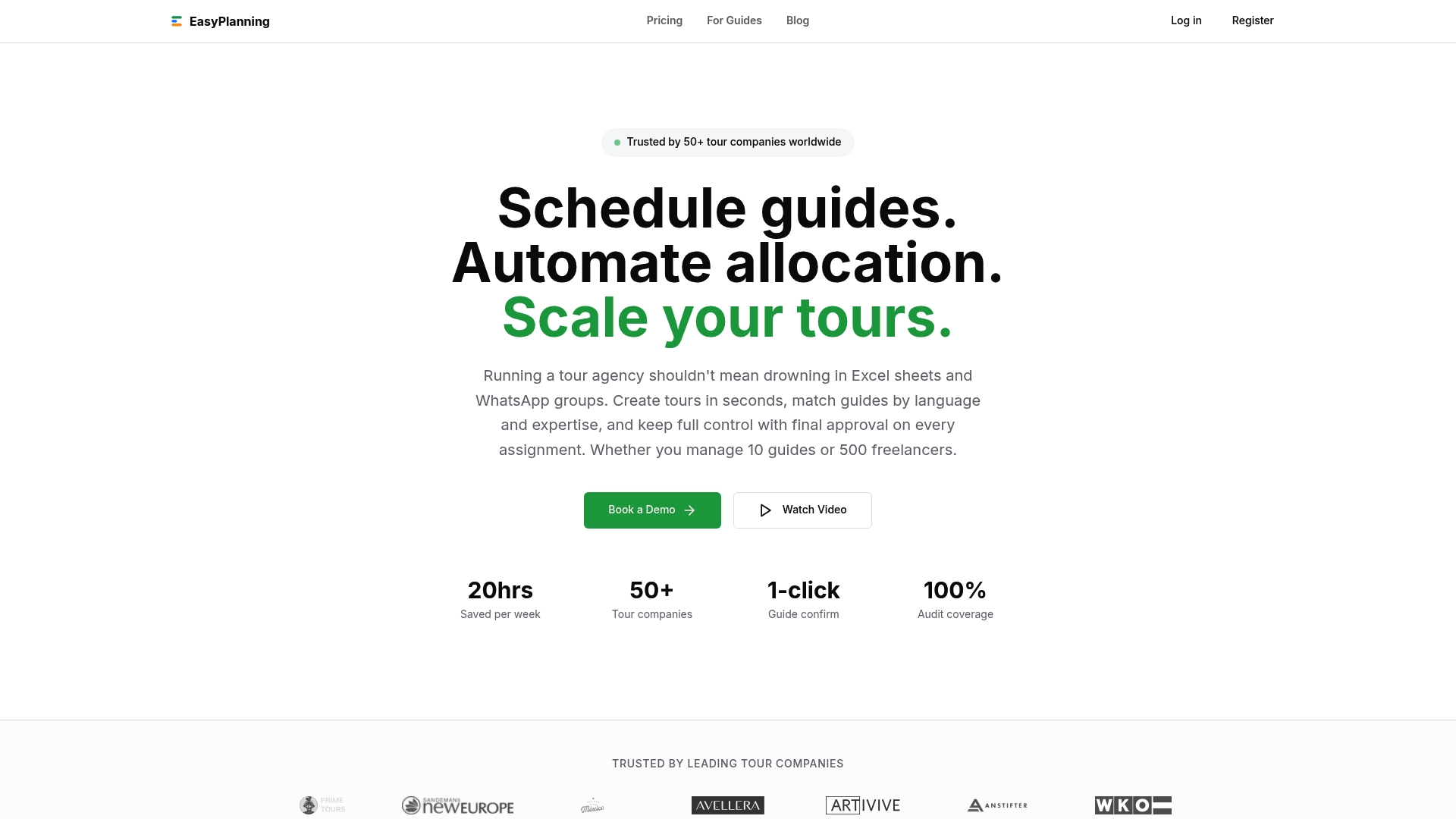
Experience seamless tour scheduling and guide management with EasyPlanning. Our platform centralizes your tours, guide profiles, and assignments into a single intuitive calendar. Enjoy benefits like automated guide matching based on language, certifications, and availability coupled with flexible manual overrides. Don’t let manual errors or last-minute chaos hold back your operation. Visit EasyPlanning to explore how our web-based SaaS platform can transform your scheduling workflow and boost your tour business today.
Frequently Asked Questions
How do I set up tour operator and guide profiles for effective scheduling?
To set up tour operator and guide profiles, start by entering your company's core information such as business name, time zone, and contact details. Then create detailed guide profiles that include factors like languages spoken, certifications, and areas of expertise to ensure accurate matching with tours.
What criteria should I consider when configuring guide assignment and matching rules?
When configuring guide assignment rules, consider criteria such as language proficiency, geographic proximity, and certification alignment. This will help you ensure that the right guide is matched with the appropriate tour for better customer satisfaction and operational efficiency.
How can I efficiently create and schedule tours using this management guide?
To efficiently create and schedule tours, enter detailed tour information including destination, start time, duration, and language requirements into your system. Then leverage the automatic guide suggestion features based on your configured matching rules to streamline the process and reduce manual effort.
What steps should I take to verify tour assignments before they go live?
To verify tour assignments, regularly review your calendar for pending tours, checking each assignment's details for accuracy. Confirm that guides have received notifications about their assignments, and follow up with any that have not acknowledged their tasks before the tour date.
How can I manage changes effectively if a guide or tour needs to be adjusted?
To manage changes effectively, ensure that your system allows quick reassignment of guides or modification of tour details. Quickly update assignments and notify all affected parties to prevent miscommunication and ensure everyone is informed of the changes in a timely manner.
What are the best practices for tracking guide qualifications and renewals?
Best practices for tracking guide qualifications include creating a system where each guide's certifications and training updates are documented. Set reminders for renewal dates to ensure all guides maintain their qualifications, helping you avoid operational risks and maintain high service standards.